Documentation
How To Guides
Hi there! We’re so glad you’re here. Here you’ll find helpful resources, step-by-step guides, and tips for making the most of your shop, and answers to common questions. Think of it like a friendly neighbor who’s been through it all and is happy to show you the ropes.
Let’s get started—your community is waiting!
List a Class
If you teach classes like cake or cookie decorating, cooking classes, etc. you'll want to get to know our Events & Classes feature. Each class you list will appear on your store page and in our Classes & Food Events marketplace. It's an easy setup but there's a few tricks to make sure that your event gets maximum exposure. Create an Event From your Vendor dashboard select 'Create Classes and Events' from the left hand […] Read More
Shipping
If your business model requires shipping you can set your configurations in your Vendor dashboard. Once you've configured your shipping setup you can select which products require shipping when you add or edit your products. Set Shipping Policies We recommend that you start with setting the shipping policies for your store. These policies will be visible on your store page to help set expectations with your customers. You can add your Shipping policies from the […] Read More
Adding Products
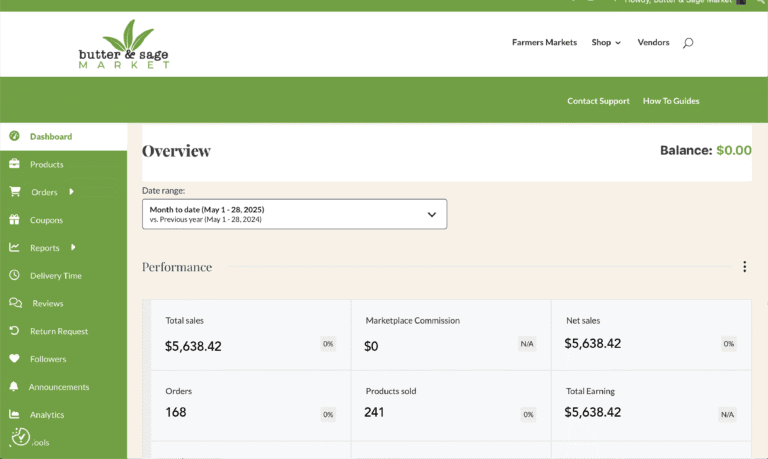
You can add and manage the products in your shop from your Vendor Dashboard under the Products menu. The types of products you can add depends on your subscription package. Basic plans have access to simple products.Paid plans have access to all product types, variable products and custom orders. Add a New Product In your Vendor dashboard select the Products menu from the left hand side. In the Prouct view select the 'Add new product' […] Read More

Delivery & Pickup Times
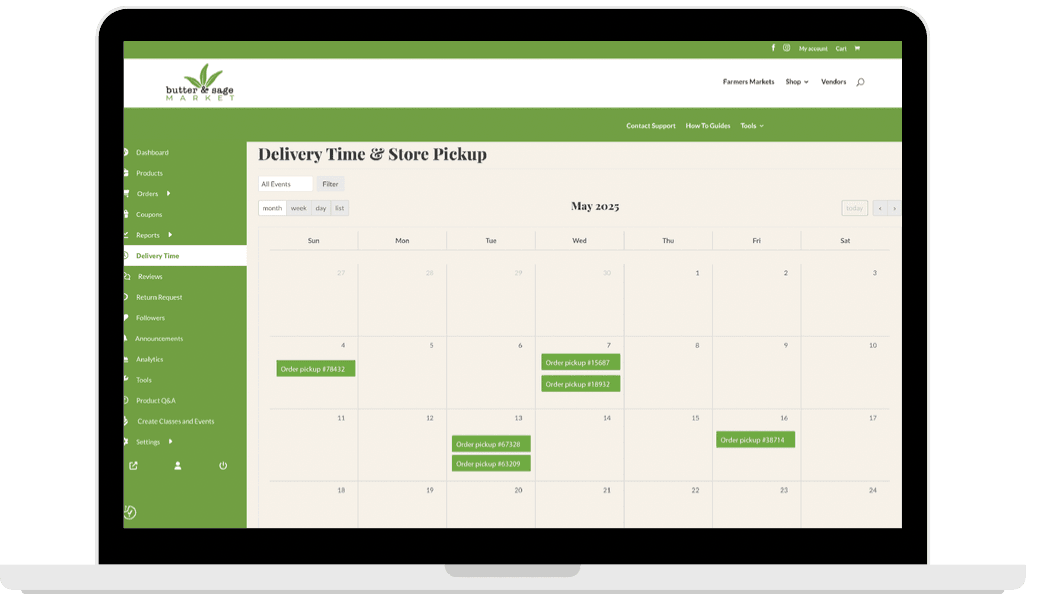
You can manage your availability and limit the number of orders that customers can place within specific time frames through the pickup & delivery options. Set Your Preferences Your starting point is in your Vendor Dashboard under Settings / Delivery Time. Select options - Select if you offer pickup, delivery, or both. Set your buffer - Set how many days notice you require for an order. This setting blocks the customer from placing an order […] Read More

Custom Orders
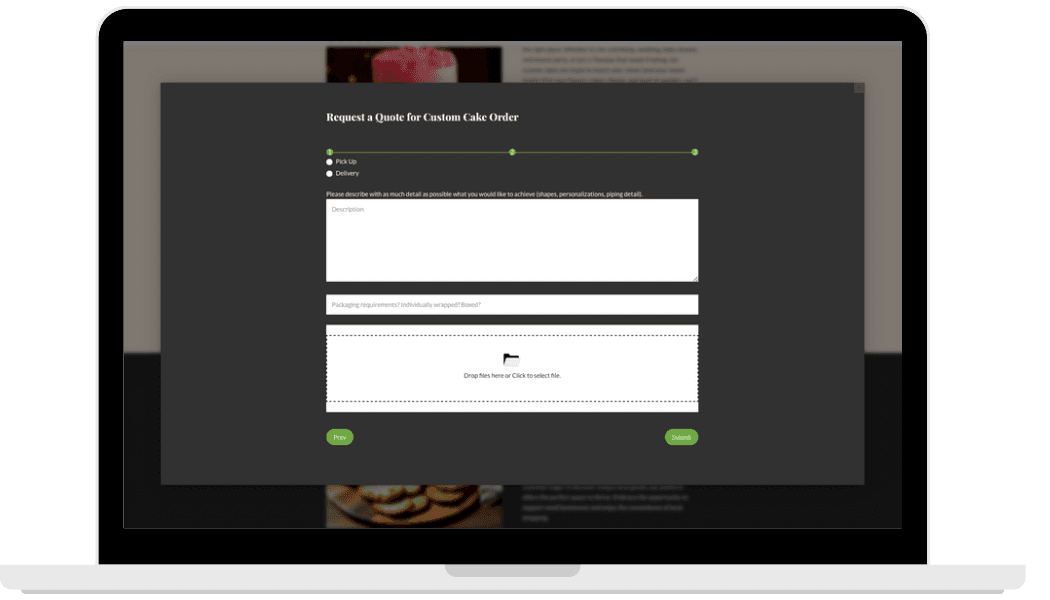
PAID PLAN FEATURE If you sell products that require a custom order you'll want to get to know our Custom Order category feature. We've built in all of the functionality for you out of the box, no configurations necessary. Create Your Product You'll want to create each product that you offer for custom order individually. For example, if you offer custom cakes and also custom cookies, create a product for your Cakes and create another […] Read More

Quick Start Guide
Hi! Welcome to Butter & Sage Market. We're so thrilled you've chosen to build your business in our marketplace. We strive to make it easy and intuitive to use, and we're constantly working to improve, but with all of the features and functionality we offer we know sometimes you need a little bit more information to navigate all there is to offer. We've compiled our documentation to try to answer the most frequently asked questions. […] Read More