
How to Accept Payments at Your Farmers Market Booth (Cash, Square, and Everything In Between)
Getting your payment setup right at a farmers market isn't just about convenience — it's about not losing sales. Here's how to take every kind of payment your customers want to use, without fumbling with hardware at 8am.
 1 min read
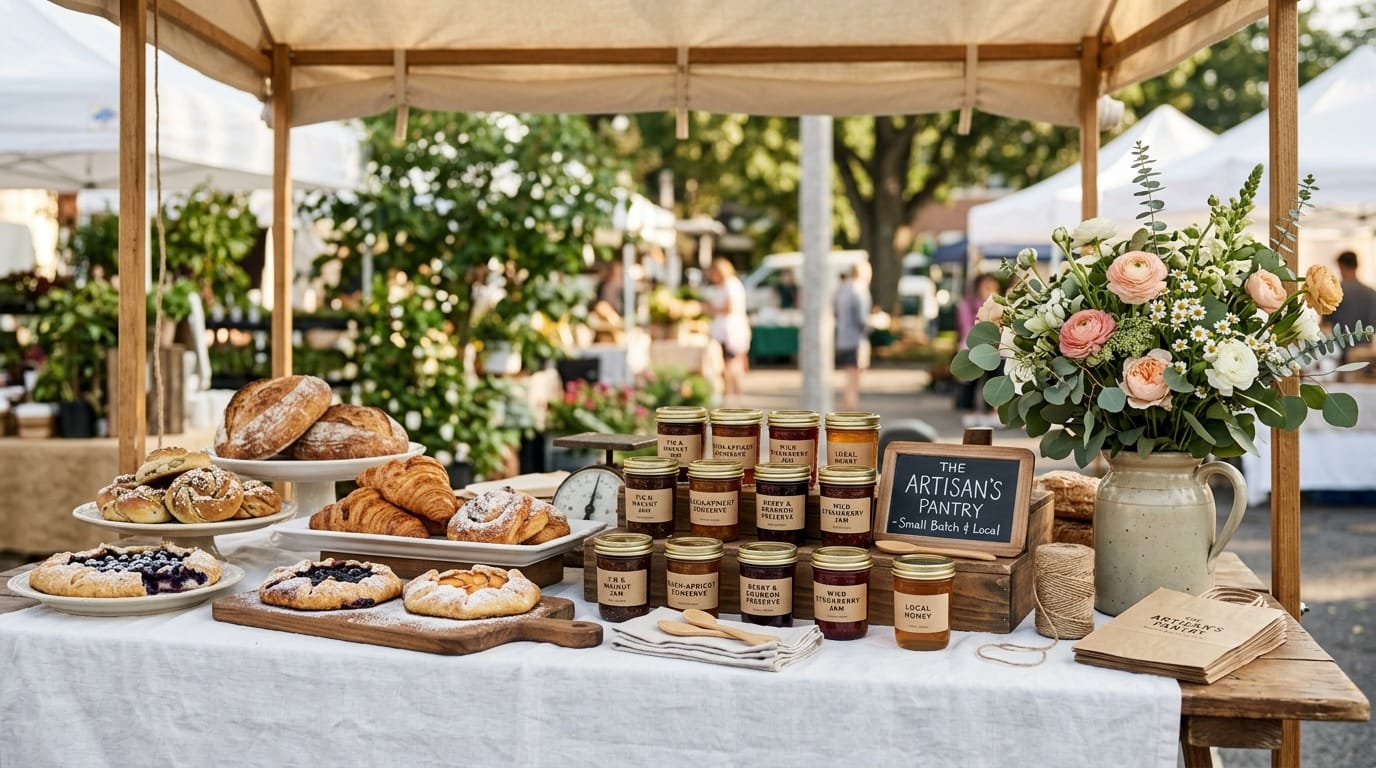
You've spent hours making your product. You've hauled your setup to the market by 7am. Your booth looks beautiful, your table smells incredible, and someone holds up a jar of your lavender honey and asks, "Do you take cards?"
If your answer is no, you've just lost a sale. Probably a repeat customer too.
Getting your payment setup right at a farmers market isn't glamorous — nobody posts about their card reader on Instagram. But it's one of the most direct things you can do to make sure the work you put into your products actually turns into money in your pocket. Here's what works, what doesn't, and how to make it effortless.
Cash: Still Worth Having, Never Enough Alone
Some of your best customers will always show up with cash. Market regulars often come prepared with bills specifically for vendors. So yes, you need a cash system. But relying on cash alone in 2026 means you're turning away a significant percentage of the people who would otherwise buy something.
Make cash easy on yourself:
- Bring a cash box with plenty of change — heavy on $1s and $5s
- Keep it under the table, not sitting out in the open
- Price products to round numbers where possible ($8, $12, $15, $20) so making change doesn't slow you down during a rush
- Consider a small cash pouch in your apron for quick change rather than opening the lockbox constantly
Square: The Farmers Market Standard
Square has become the default for a reason. The card reader plugs into your phone or tablet, there are no monthly fees, and the transaction rate (2.6% + 10¢ per swipe) is workable for small sellers. The app is genuinely easy to use, and it works even when you're off WiFi.
What you'll need to get started:
- A free Square account at square.com
- A Square magstripe reader (free when you sign up) or the contactless and chip reader ($49 — worth the upgrade)
- Your phone or tablet with the Square app
Tips for using Square at market:
- Download the app and run a test transaction before your first market day. Troubleshooting a card reader with a line at your booth is the opposite of a good morning.
- Enable offline mode — Square will queue transactions if you lose signal and process them when you reconnect.
- Set up your item catalog in advance so you're tapping product names, not typing in amounts.
- Use your phone's hotspot rather than relying on the market's WiFi. Market WiFi is notoriously unreliable.
Venmo, PayPal, and Zelle: More Popular Than You'd Expect
A lot of farmers market shoppers — especially younger buyers — default to Venmo or PayPal even when a card reader is right there. It's already open on their phone. It's what they use for everything.
The setup is free and takes about two minutes: print your Venmo QR code, laminate it (or slide it into a plastic sleeve), and put it on your table. Customers scan, send payment, you see the notification. Done.
A few practical notes:
- For business transactions, Venmo and PayPal carry a small fee for instant transfers. Factor that into how you think about pricing.
- Zelle transfers directly to your bank account with no fees, though it's less universally used.
- Cash App works the same way as Venmo and is popular in certain markets — worth adding if your regular customers use it.
Tap-to-Pay: No Hardware Required
Square, Stripe, and PayPal now support tap-to-pay directly on your iPhone or Android — no card reader needed. Customers tap their contactless card, Apple Pay, or Google Pay to your phone screen and the transaction goes through instantly.
This is a great backup when your card reader battery dies (it happens), or when you're just starting out and don't want to invest in hardware yet. If you have a recent iPhone, Square's Tap to Pay turns your phone into a card reader with zero additional equipment.
The Booth Setup That Covers Everyone
If you're starting out and want to handle 98% of customers without overcomplicating things:
- A cash box with $50–$75 in change to start the day
- A Square contactless reader connected to your phone — handles tap, chip, and swipe
- Your Venmo QR code printed and displayed somewhere visible on your table
That's the whole stack. You don't need a full POS system. You just need to say yes every time a customer is ready to buy, regardless of how they want to pay.
Every "sorry, cash only" is a sale that walks away. Removing that friction is one of the fastest things you can do to increase what you actually take home from a market day.
Keep reading
More from the market
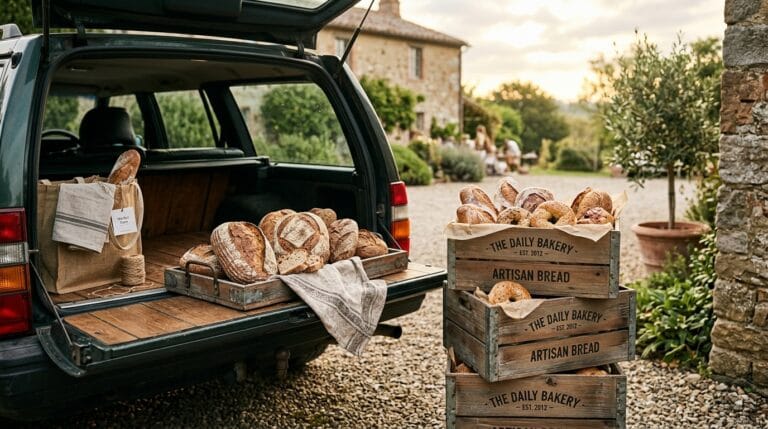
How to Get Your Baked Goods to Market Without Wrecking Them
Cakes slide, frosting sweats, cookies go soft in the car. The crates, timing and packing order that get your bakes to the…
Read more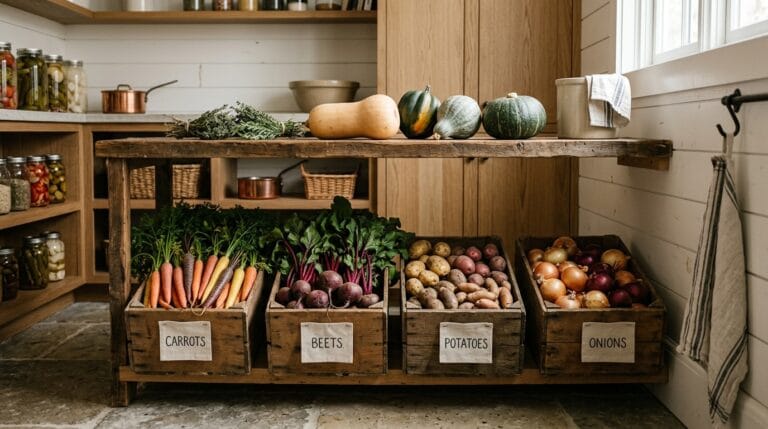
How to Store Root Vegetables and Winter Squash So They Last Until Spring
Potatoes, squash, carrots and onions will keep for months if you get a few things right. What each one wants, and the…
Read more
What to Do With Unsold Stock When the Market Season Ends
The last market of the season ends with a car full of what did not sell. Here is how to turn that…
Read more