
How to Build a Weekly Pre-Order System for Your Cottage Food Business (And Wake Up to Sold-Out Batches)
Pre-orders mean you bake what you know will sell — no guessing, no waste. Here's how to build a simple weekly system that gives you consistent customers.
 1 min read
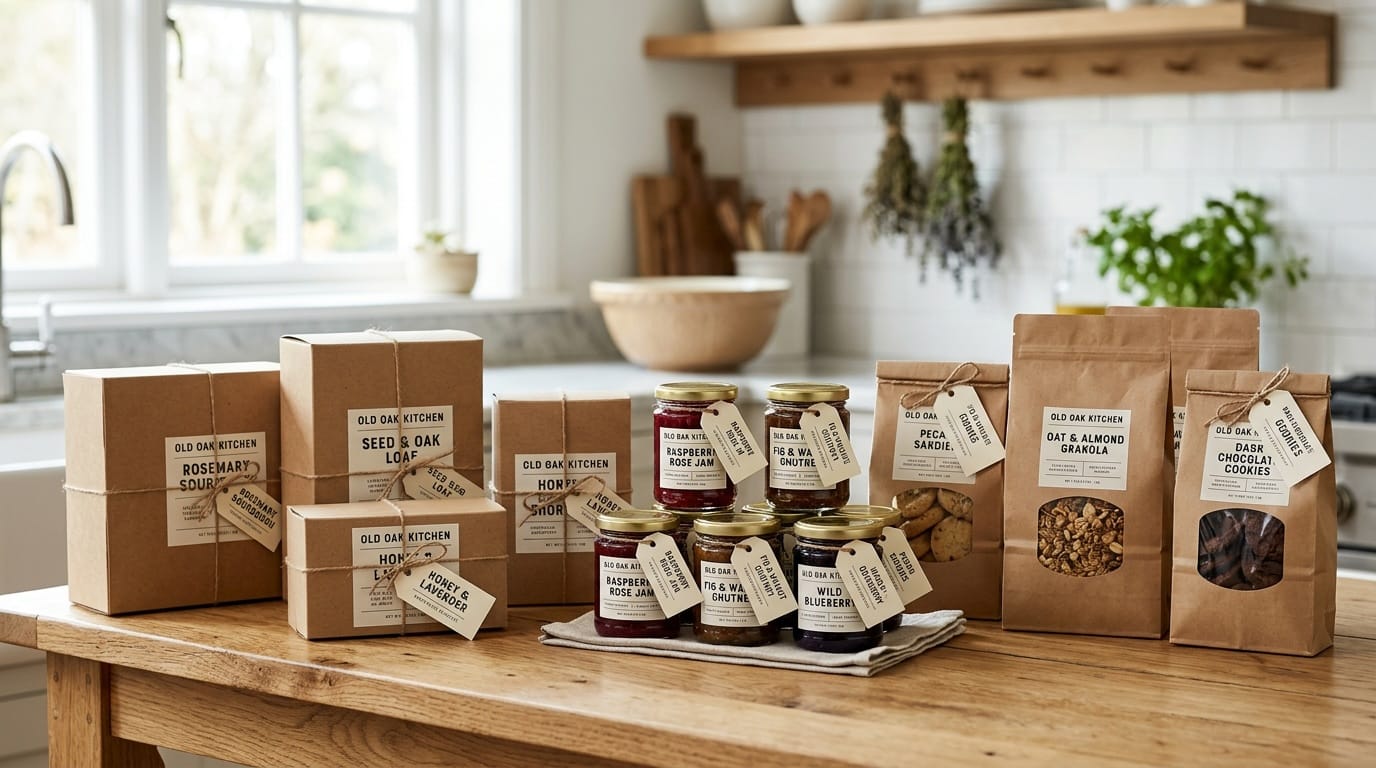
Imagine it's Thursday night. You already know exactly how many jars of peach jam to make this weekend — because the orders are sitting in your inbox. You bake what you know will sell. Nothing goes unsold. Nothing runs out before noon. You're not guessing.
That's what a pre-order system does for a cottage food business. And it's simpler to build than most vendors think.
Why Pre-Orders Change Everything
Most cottage food vendors approach market season as a guessing game: make a batch, bring it all, hope for the best, either sell out by 10am and turn people away, or pack half of it back up and drive home disappointed. Pre-orders eliminate both problems. When you collect orders before you bake, you produce exactly what you need. Inventory waste drops to near zero. Your customers get guaranteed access to your products without racing to your booth. And you start building a customer list that turns into reliable weekly income instead of a gamble every weekend.
Step 1: Choose Your Order Window (and Stick to It)
Orders open: Monday or Tuesday morning, via text, email, or your online shop.
Order cutoff: Wednesday or Thursday evening.
Baking day: Thursday or Friday.
Pickup: Saturday at the market, or a designated pickup spot.
Pick a schedule that works for your baking rhythm and stick to it. Consistency is what trains your customers to order reliably. If your window is always Tuesday through Thursday, your regulars will set a reminder.

Step 2: Choose Your Order Channel
Text message. A weekly broadcast text to your customer list: "Orders open for this Saturday! Reply to claim your spot." Works great for small lists under 50 people. Use Google Voice to keep it separate from your personal number.
Email list. A simple email via Mailchimp (free up to 500 contacts) with an order link works well for slightly larger audiences. More scalable than texting a hundred people individually.
Online shop. If you're listed on a marketplace like Butter & Sage Market, your shop handles ordering and payment automatically. Customers browse, order, and pay without you tracking anything manually. This is the version that works while you sleep.
Step 3: Create a Simple Order Form
A Google Form takes about 20 minutes to set up and handles responses automatically. Include a field for name, phone number for pickup confirmation, what they're ordering, and how many. Send responses to a Google Sheet so you have a clean baking list. Keep your menu focused — three to five items per week is easier to manage and creates better demand. Customers can't overthink it when the choices are clear.
Step 4: Confirm, Bake, Deliver
When your order window closes, send a quick confirmation to each customer: what they ordered, when it'll be ready, and where to pick it up. A simple text is fine. On pickup day, label orders by name. It takes ten extra minutes the night before and makes customers feel like they're picking up something made specifically for them — because they are. That experience is what keeps them ordering again next week.
The Right Size for Your First Pre-Order List
You don't need a thousand subscribers to make pre-orders work. Vendors with consistent lists of 30 to 50 people can run a profitable cottage food business with minimal waste and almost no leftover inventory. Build slowly from people who already love your product. Every market, invite buyers to join. Your first 20 pre-order customers will generate enough word-of-mouth to double that list by the end of the season.
The pre-order system isn't just a logistics tool. It's proof that your business has moved from "hope people show up" to "people are showing up because they planned to." That shift changes everything.


Keep reading
More from the market
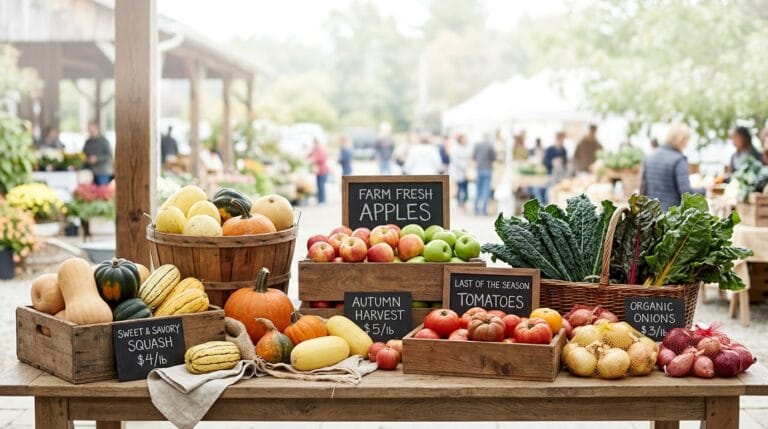
What’s at the Farmers Market in November? Your Late-Fall Shopping Guide
November farmers markets are smaller, colder, and sweeter than you expect. Here is what is in season, what frost improves, and what…
Read more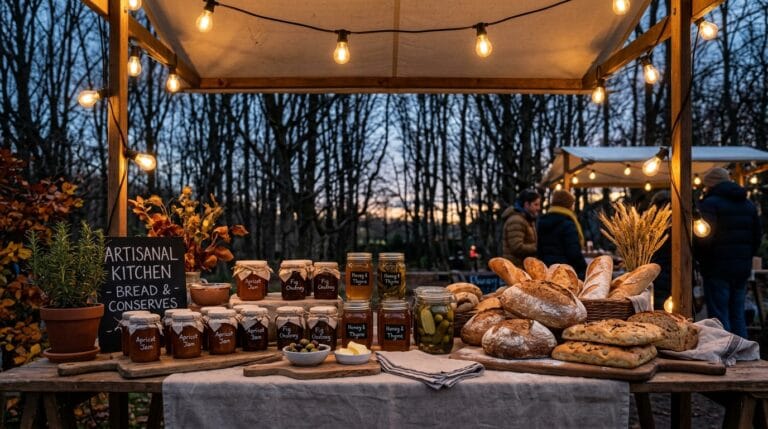
Cold-Weather Booth Setup: Wind, Light, and Days That End at Four
A booth built for August falls apart in November. What to change for wind, cold and a market that ends after dark…
Read more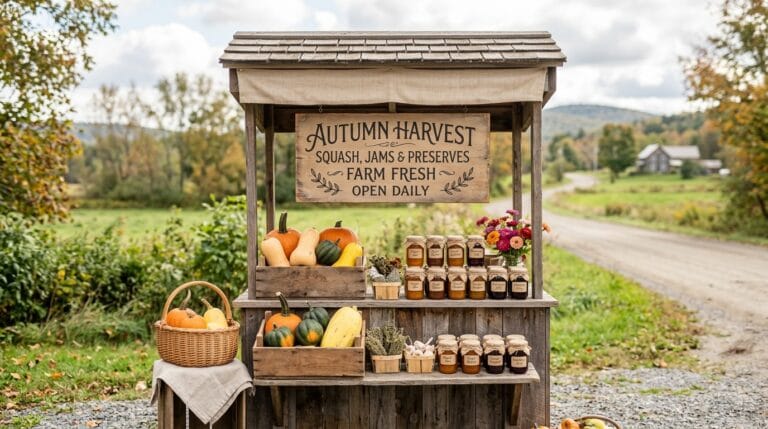
Selling from a Farm Stand: What It Takes and What It Makes
A stand at the end of the drive has no booth fee and no set hours. What to check before you build…
Read more